
How to take Odoo Community manufacturing orders to the shop floor: scan components, produce finished goods with lot and expiry, and clock in and out of work orders.
- Scanning at the machine replaces estimated consumption with real data.
- Producing with lot and expiry makes recalls traceable.
- An offline queue keeps operators working in Wi-Fi dead spots.
A manufacturing order in Odoo is only as good as the data entered against it. On many shop floors that data is written on paper and typed in at the end of the shift. Consumption is estimated, lots are guessed and the time spent on each work order is a round number.
Scanning fixes the source of the data. The operator confirms what happened, at the machine, when it happens.
Scan components into the order
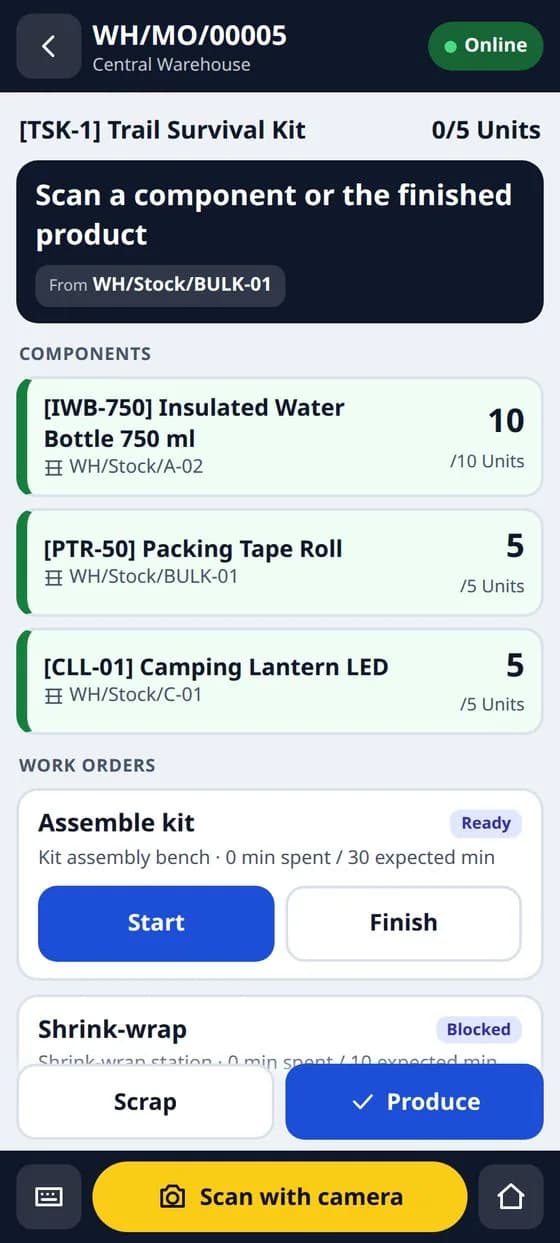
The operator opens the manufacturing order on a phone or a handheld scanner, scans the component, and the consumption is registered against the order, with its lot where the component is tracked.
Produce with lot, serial and expiry
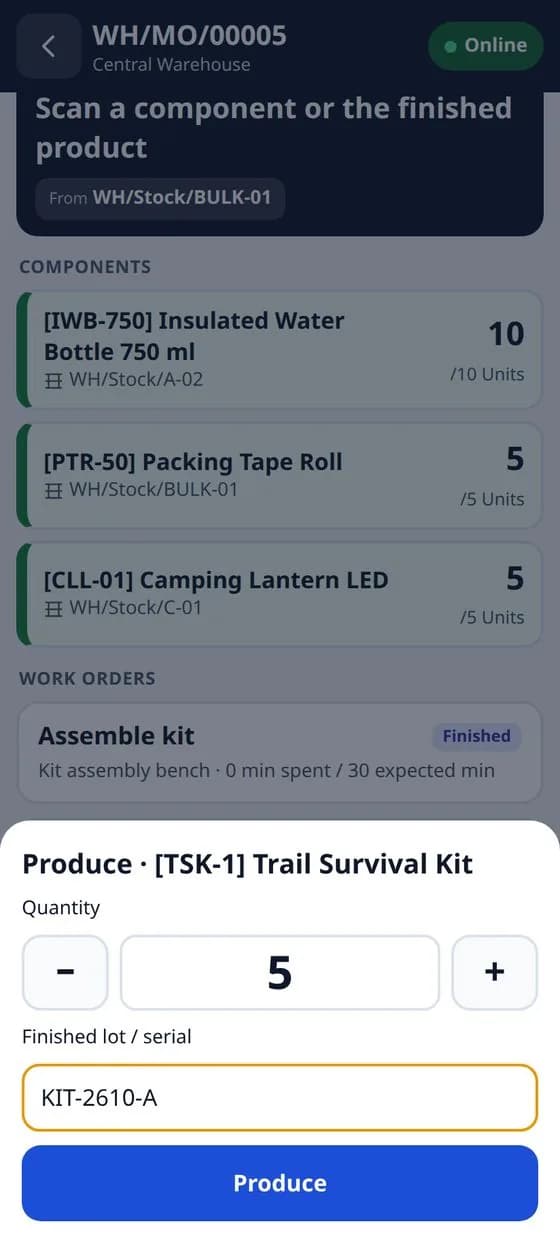
Finished goods are produced with their lot or serial number, and an expiry date where the product needs one. Backorders for partial production are supported. This is what makes a later recall possible: you know which lot went into which finished lot.
Clock in and out of work orders
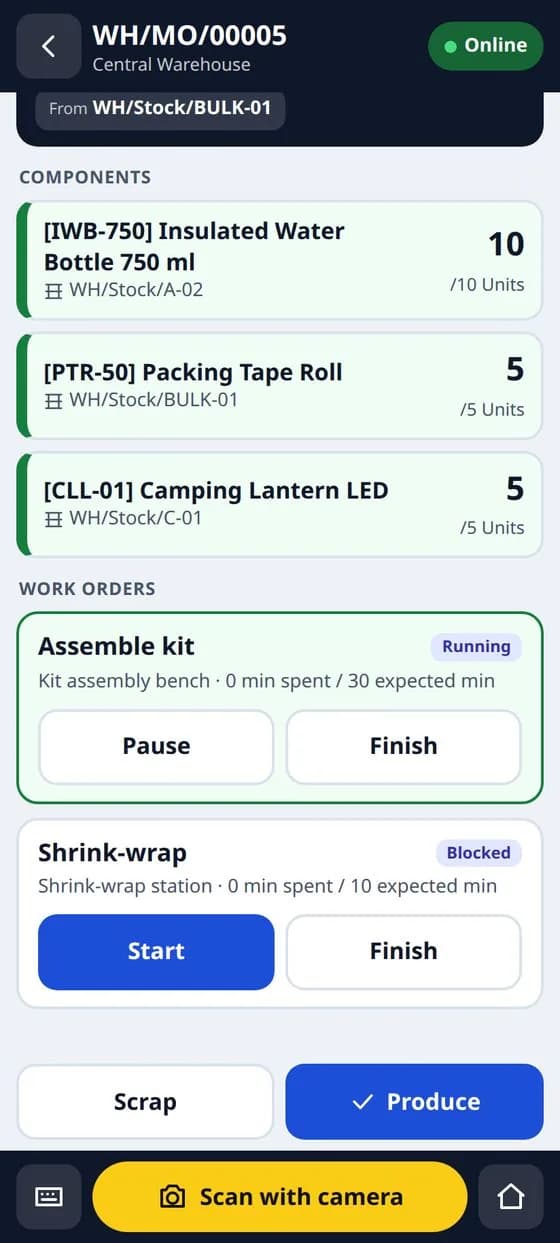
Operators start and stop work orders from the same app. Real durations replace the planned ones, so work centre cost and capacity planning use real numbers. Scrap in production is recorded at the machine instead of being reconstructed at month-end.
Works when the Wi-Fi does not
Factories have dead spots. An offline queue stores scans and actions on the device and sends them when the connection returns, so the operator is never waiting on a spinner.
Community, not only Enterprise
Odoo's own barcode and shop floor screens are part of Enterprise. If you run Community, this is the gap our Barcode WMS Mobile App fills, with the manufacturing screens as an add-on to the warehouse app that handles receiving, picking, packing and counting.
Before you roll it out, label your components and work orders, test a few real manufacturing orders end to end on staging, and let the operators use it for one shift before you decide the layout is right.
Frequently asked questions
Does it need Odoo Enterprise?
No. It is built for Odoo Community, where the barcode and shop floor apps are not available.
Which devices does it run on?
Android scanners such as Zebra and Honeywell, and phones using the camera. It installs as a web app.
Is the manufacturing part separate?
Yes. It is an add-on to the Barcode WMS Mobile App, which handles receiving, picking, packing and counting.